05. Workspace Instructions
Workspace Instructions
Before you start on your first exercise, please note the following instruction.
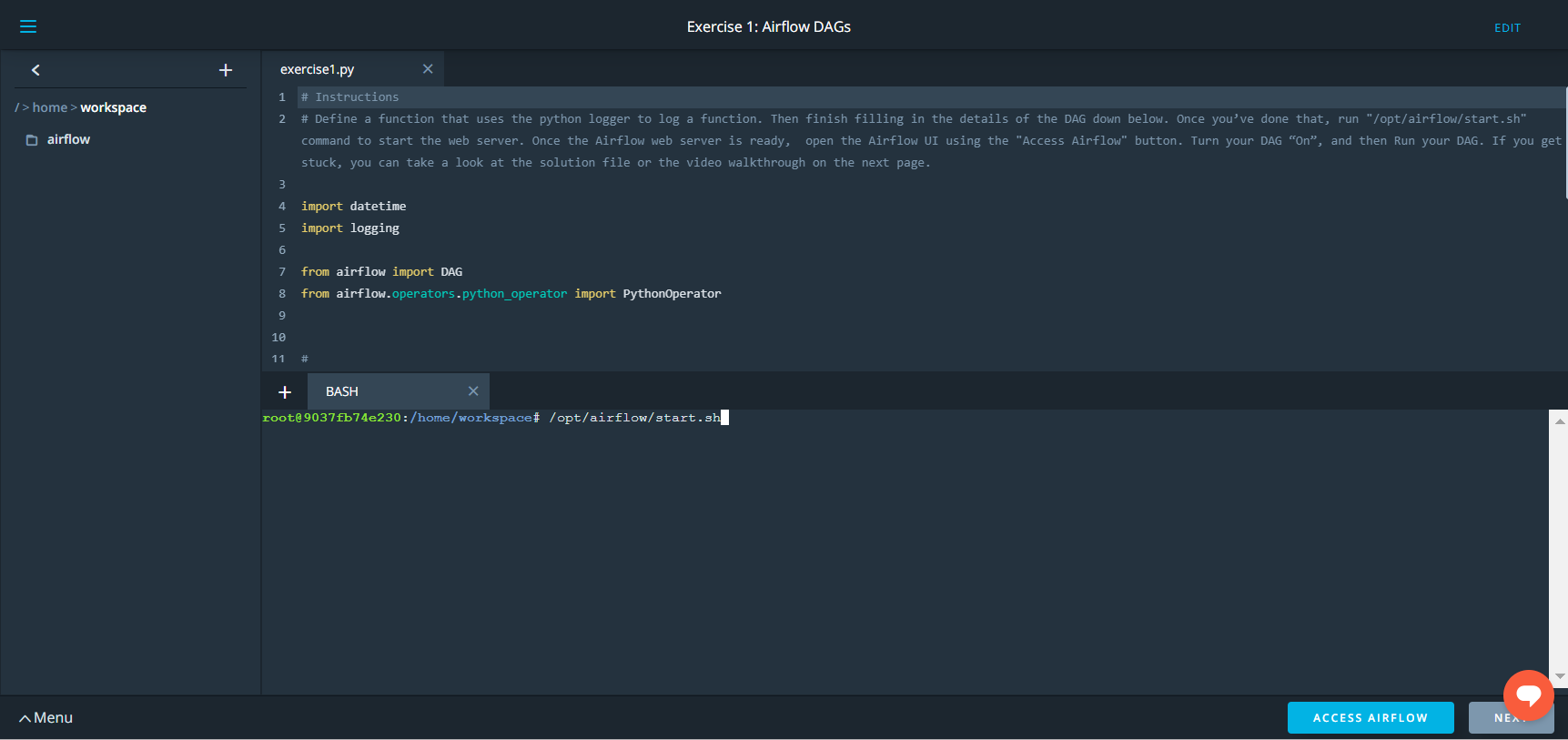
- After you have updated the DAG, you will need to run
/opt/airflow/start.shcommand to start the Airflow webserver. See the screenshot below for the Exercise 1 Workspace.
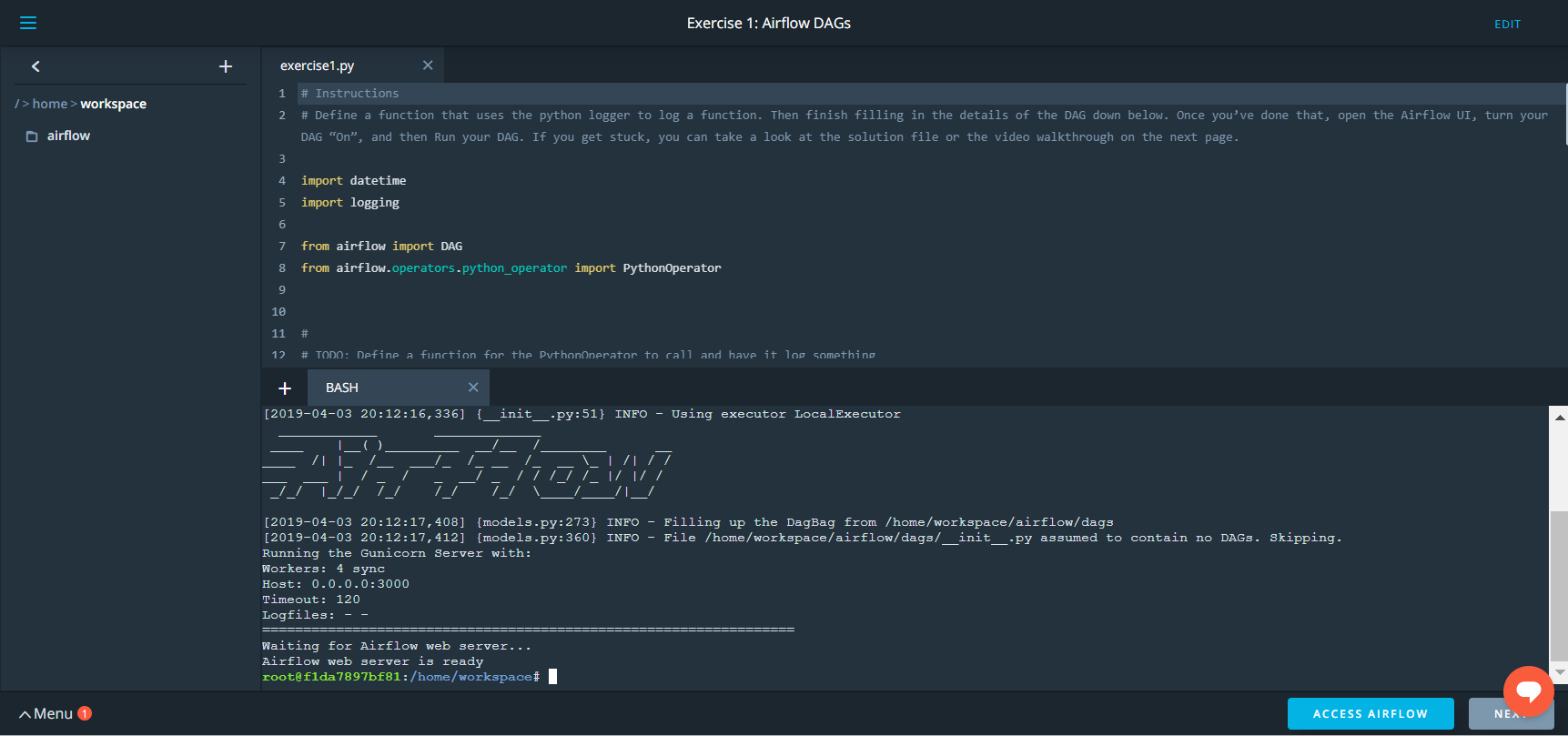
- Wait for the Airflow web server to be ready (see screenshot below).
- Access the Airflow UI by clicking on the blue "Access Airflow" button.
This should be able to access the Airflow UI without any delay.
Please note: Because the files located in the s3 bucket 'udacity-dend' are very large, Airflow can take up to 10 minutes to make the connection.